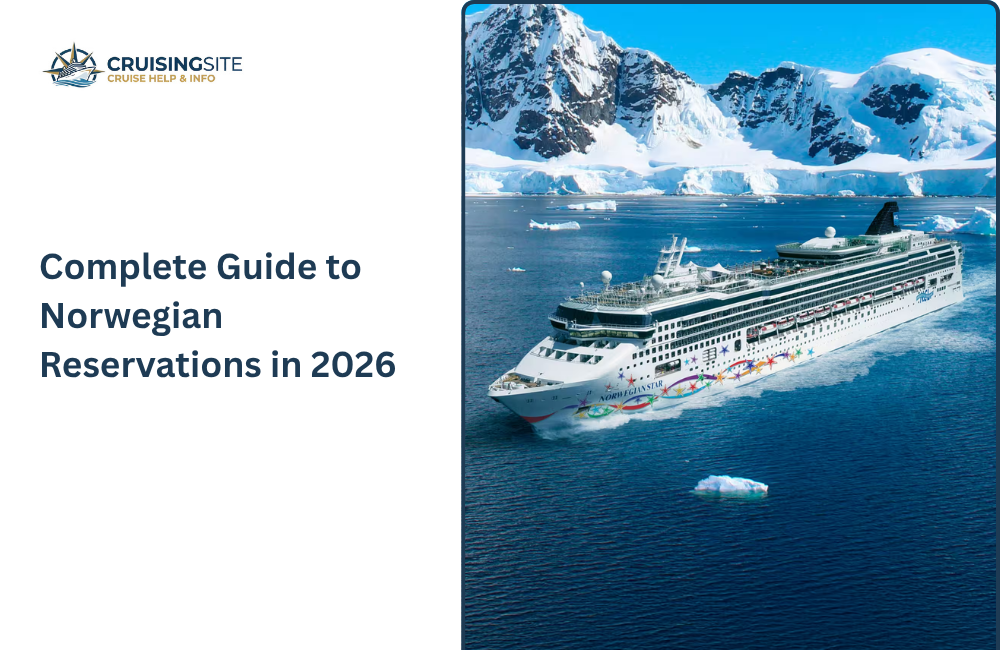
When you book a Norwegian Cruise Line (NCL) vacation, you’re essentially signing up for “Freestyle Cruising,” which is a fancy way of saying you’re the boss of your own schedule. Unlike the rigid traditions of older ships, the Norwegian Reservations is built on total flexibility—there are no assigned dinner times or formal dress codes to worry about. The real strategy involves mastering the “More At Sea” perks, like snagging that open bar or specialty dining credits right when you book. Since popular spots and Broadway-caliber shows like Beetlejuice or Elements can fill up fast, the savvy move is to dive into the NCL app about 120 days out to lock in your favorites. It’s all about securing the big stuff early so you can truly “feel free” once you’re on deck.
How do I link Norwegian Cruise Line reservations together online?
Linking Norwegian Reservations is a bit unique because of their “Freestyle” approach. Unlike other lines, NCL’s system doesn’t always have a big “link reservations” button for passengers. Instead, you “link” by simply acting as the group leader in the My NCL portal or app. When you book a specialty dinner or a show, you just select the total number of people in your party—the system doesn’t care which cabin they’re in. As long as you have their reservation numbers, you can add their bookings to your account view to keep everyone’s itinerary in one place.
- The “Add a Cruise” Trick: Log into My NCL and look for “Don’t see your cruise?” Enter your friend’s reservation number and last name. This pulls their booking into your dashboard so you can manage group plans.
- Dining Sovereignty: You don’t actually need a formal link for the Main Dining Room. Since it’s Freestyle, you just walk up together. For specialty dining, one person makes the booking for the whole table (up to 8 people online).
- The App Shortcut: Use the NCL app’s “Group Planning” features. Once you’re onboard, you can even message linked friends through the app to coordinate meeting spots.
- The “PCC” Factor: If you want a “hard link” (ensuring the ship knows you’re a group for things like cabin changes or surprises), call your Personal Cruise Consultant (PCC) or travel agent. They can “cross-reference” the bookings in the master system.
- Check the Window: Haven guests can start booking these group slots 130 days out, while standard cabins open at 120 days. Being “linked” helps you snag those large tables for 6 or 8 before they vanish.
Why Link Norwegian Cruise Line Reservations?
linking your Norwegian Cruise Line reservations is less about assigned seats and more about collective control. Because NCL is famous for its “Freestyle” approach, you don’t have a set table to worry about, but linking is what allows one person to act as the group’s “digital captain.” By connecting cabins in the My NCL portal, you can snag large-table reservations at specialty restaurants like Cagney’s or Le Bistro before they hit capacity. It also streamlines the planning for 2026 shore excursions, ensuring your entire squad is confirmed on the same catamaran or bus with just a few clicks.
How to understand the NCL’s Reservation system
Unlike traditional lines with rigid schedules, NCL’s portal is designed for you to build your own daily flow. You don’t “link” reservations just to sit together at dinner; you do it to act as a group leader. By adding a friend’s reservation number to your My NCL account, you can book specialty dining for eight or grab theater seats for your whole squad in one go. It’s the ultimate way to stay organized without the 2026 “vacation stress.”
How to Work the System in 2026:
- The 120-Day Rule: Most guests can start booking specialty dining and shows about 4 months out. Haven guests get a head start at 130 days, so if you’re traveling with one, let them handle the bookings
- The “Add a Cruise” Hack: If you have your friend’s last name and booking number, use the “Don’t see your cruise?” feature in the portal. This pulls their info into your view so you can coordinate excursions.
- Main Dining Flexibility: Since there are no fixed times, you don’t need a “hard link” for the main dining rooms. Just show up together, and the staff will seat you as a group.
Also Read: What is the Norwegian Check-In Process? Boarding Time & Required Documents
What are the ways to link Reservations?
Linking reservations is basically about making sure different bookings—like flights, hotels, or rental cars—stay connected so your whole trip runs smoothly. It’s a lifesaver when you’re traveling with a group but booked separately, or if you have a layover and want the airline to know your bags should go all the way through.
Here are the best ways to get it done:
- TCP (To Connect Passenger): This is a common industry code agents use to link separate files so the crew knows you’re traveling together.
- Customer Service Call: Sometimes, the easiest way is just calling the provider. Give them both confirmation numbers, and they can “cross-reference” the notes in their system.
- Frequent Flyer/Loyalty Profiles: If all bookings are under the same loyalty number, the system often groups them automatically in your app.
- Booking Direct: If you haven’t booked yet, doing it all in one “shopping cart” is the safest way to ensure they are linked from the start.
What happens after Reservations are linked?
Once your reservations are finally linked, everything behind the scenes starts moving in sync, which takes a massive weight off your shoulders. The most immediate change is that the staff—whether at the airport or a hotel front desk—can see your entire group or itinerary as one single unit instead of scattered pieces. If a flight gets delayed or a connection is missed, the airline is much more likely to rebook everyone on the same new flight rather than splitting you up across different planes. It basically turns a chaotic pile of confirmation numbers into a coordinated plan where everyone stays informed and together.
Also Read: What Is the Norwegian Military Discount and Who Is Eligible for Cruise Savings?
What are the benefits of linking for families and friends?
When you’re traveling with your favorite people, linking reservations is the secret to keeping the peace and making sure nobody gets left behind. It transforms a group of individual travelers into a single unit in the eyes of the travel providers.
- Seating and Rooms: It’s much easier to get seats next to each other or hotel rooms right down the hall when the system knows you’re “together.”
- Easier Check-ins: Often, one person can manage the check-in process for the whole group via an app, saving a lot of time and digital paperwork at the counter.
- Coordinated Luggage: If there’s a glitch with bags, having linked files makes it way simpler for the staff to track down the entire group’s belongings at once.
What are the tips for successful linking?
To get your reservations linked without any headaches, the best move is to handle it as early as possible, ideally right after you book. Don’t just assume the systems will talk to each other; you usually need to be proactive and reach out. When you call or message a representative, have every single confirmation number and the full legal names of everyone in your group ready to go. It’s also smart to double-check that the “link” actually stuck by looking at your itinerary in the app a few days later. Being polite to the agent goes a long way here, as manual cross-referencing can sometimes be a bit of a tedious task for them to process correctly.
Conclusion
In the end, managing a Norwegian Reservations is all about embracing that “Freestyle” spirit without losing your grip on the details. Because NCL doesn’t force you into a box, linking your group is your way of taking the wheel. It’s the difference between wandering the ship looking for a table and walking straight into a pre-booked dinner with your whole crew. Secure those big shows and dining spots early, and the rest of the trip handles itself. Would you like me to find the current “More At Sea” promotion details for your 2026 dates?
FAQs
Q.1 Why are Norwegian cruises being cancelled?
Ans: Norwegian Cruise Line (NCL) cancels cruises primarily for fleet redeployment, itinerary optimization, and port balancing
Q.2 How do I look up my Norwegian cruise reservation?
Ans: log into My NCL on their website or app using your email/username and password, or use the “Lookup Reservation” feature with your ship, sail date, and confirmation number if booked via a travel agent.
Q.3 Can I link reservations if we booked through different sources?
Ans: Yes, but you may need to call NCL directly or go through your respective agents.
Q.4 How do I make a reservation on the Norwegian Cruise Line?
Ans: There are several ways to reserve your spot. Book online at ncl.com. If you need more help, call our Personal Cruise Consultants, who can assist you every step of the way. Or we can help you find a local Travel Agent.
Also Read: Norwegian Refund Policy 2026: Rules, Eligibility & Refund Process