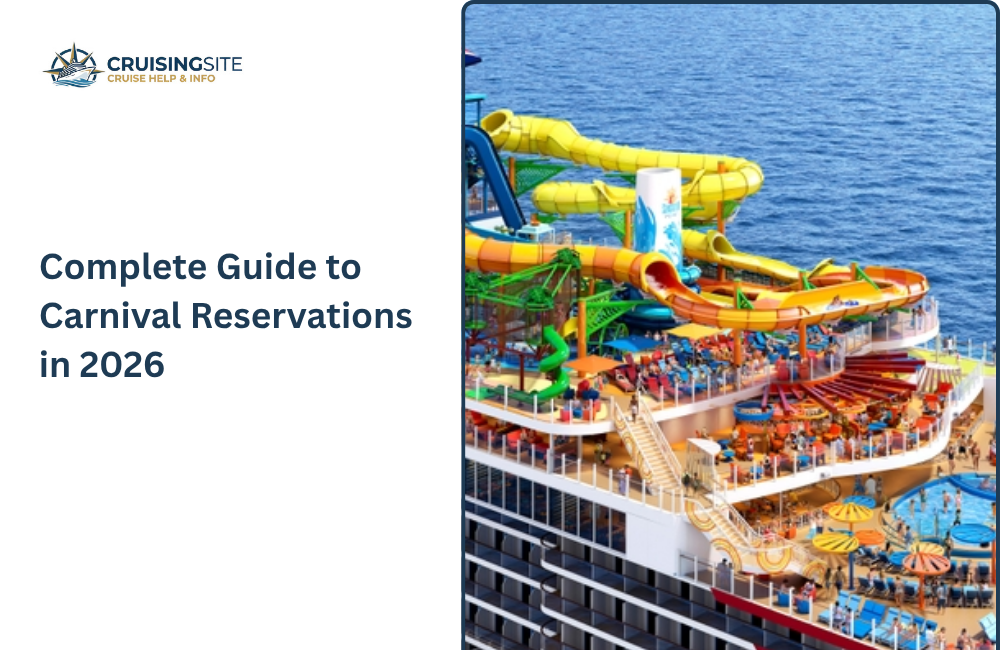
Securing a Carnival reservation is essentially your ticket to the “Fun Ships,” but the real trick is knowing how to play the pricing game. Unlike more rigid lines, Carnival is famous for its Early Saver rates, which are great for planners because they include price protection—if the fare drops before your final payment, you can usually claw back that difference as onboard credit. It’s a very hands-on experience; once that deposit is down, the HUB App becomes your best friend for countdowns and dodging long lines at Guest Services. Whether you’re choosing “Your Time Dining” for maximum flexibility or snagging a cabin near the Lido deck for quick snack access, a Carnival booking is all about setting the stage for a high-energy, no-stress getaway.
How do I link Carnival Cruise Line reservations together online?
Linking your Carnival reservations online is the smartest way to make sure your whole group stays together. You’ll need to hop into the “Cruise Manager” on Carnival’s website and look for the “Add a Booking” or “Cruise Companions” section. By entering the reservation numbers and birthdays of your friends or family, you can link the cabins instantly. This is a game-changer for dining because it signals the Maitre D’ to seat you at the same table every night. It also lets one person handle bookings for specialty dinners or shore excursions for the entire group, keeping everyone on the same page without the back-and-forth texting.
Also Read: Carnival Cruise Name Change Policy 2026 | Fees, Rules & Deadlines
Why Link Reservations?
Linking your cruise reservations is the best way to tell the ship that your group—even if you’re in separate cabins—is traveling together. Without this, the cruise line sees you as total strangers, which can make coordinating your trip a nightmare. By linking everyone through the app or website, you’re basically creating a digital “squad” that allows one person to manage the heavy lifting for the whole crew. It’s the ultimate move for keeping your vacation organized without the constant back-and-forth texting.
Top Reasons to Link Up for 2026:
- Dining as a Pack: This is the big one. Linking guarantees the dining team knows to seat you at the same table every night in the main dining room.
- Synchronized Shows: You can book reservations for high-demand shows (like those on the Star of the Seas) for everyone at once, so nobody gets left standing in the standby line.
- One-Tap Excursions: One person can book a shore excursion for the entire group and pay for it, ensuring you’re all on the same bus or boat at the port.
- Shared Boarding Times: When you link bookings, you can often coordinate your arrival windows so the whole group boards the ship together and starts the vacation at the same time.
- In-App Messaging: On Royal Caribbean, linking often pre-loads your friends as contacts in the app, making it easier to quickly send quick “where are you?” messages without paying for a full Wi-Fi package.
What is the eligibility for linking reservations?
The main rule for linking Carnival Reservations is that everyone needs to be on the exact same ship and sailing date—you can’t link a Caribbean cruise with a Mediterranean one. Beyond that, the process is pretty open; it doesn’t matter if one person is in a tiny interior room and another is in a massive suite. As long as you have their basic info, the system lets you bridge the gap between bookings so you can plan the trip as one big group rather than separate cabins.
What You Need to Be Eligible:
- Matching Itineraries: This is the only non-negotiable. You must all be booked on the same ship for the same departure date.
- The “Key” Info: To link someone, you’ll need their Reservation Number, their Last Name, and often their Date of Birth. Make sure you have the lead guest’s info for each cabin.
- Permission is Vital: In the app, this is usually handled by simply entering their details, but if you call in, a guest from each room might need to be on the line.
- Cross-Category Linking: You can link regardless of cabin type. A “Star Class” suite guest can link with a “Guaranteed Interior” guest to ensure they have dinner together.
- Loyalty Levels Don’t Matter: Your Crown & Anchor or VIFP status doesn’t restrict who you can link with. High-tier members can link with first-time cruisers without any issues.
Also Read: Carnival Cruise Deals 2026: Latest Discounts, Offers & Packages
What are the methods to Link Reservations?
linking your reservations is a total game-changer for keeping your group organized, and there are three main ways to get it done. Most people prefer the “DIY” digital route because it’s instant, but calling in is a solid backup if the system is being stubborn. No matter which method you pick, just make sure you have the reservation numbers and birthdays for the lead guest in each cabin before you start. It’s all about making sure the ship’s computer knows you’re a “squad” and not just a bunch of strangers.
- The App Method: Under the “My Trips” section, select “Find a missing cruise” or “Add a Guest.” This is the easiest way to link everyone while you’re sitting on the couch.
- The “Let the Pro Do It” Call: If you’re feeling overwhelmed, just call the cruise line’s Group Reservations line. Give them all the booking numbers, and they can manually “hard-link” the cabins for dining and events in one go.
- Travel Agent Magic: If you use a travel agent, they have a special portal that can link dozens of rooms at once. This is definitely the way to go for huge family reunions or weddings.
- The Email Invite (Carnival Style): On Carnival’s “Cruise Manager,” you can actually send a digital invitation to your friends. Once they click “Accept” in their email, your accounts are officially connected.
- Dining Room Linkup: If you forget to do it before you sail, head straight to the Maitre D’ on the first afternoon. They can usually link your tables manually for the rest of the week, though it’s much riskier than doing it early.
What are the tips for linking reservations successfully?
The secret to a flawless link is all about the “lead guest” info. Even if four people are in a cabin, the system usually only recognizes the person listed first, so make sure you have their exact spelling and birthdate. I always suggest doing this as soon as you book—if you wait until you’re on the ship, the dining room is usually already mapped out. Also, double-check that everyone has picked the same dining time (like “Early” or “Late”), otherwise the computer might block the link because of the schedule conflict.
What are the limitations of Linking Reservations?
linking reservations has a few annoying limits you should know about. First, everyone has to be on the exact same ship and sailing date—you can’t link friends who are on a different itinerary. Also, the system usually won’t let you link people with different dining types, so if you’re “Early Dining” and they’re “My Time,” the computer will likely block the connection until one of you switches to match.
- Lead Guest Only: You can usually only link using the “lead guest” on the booking; searching for other people in the cabin often results in an error.
- Privacy Wall: Linking doesn’t mean you can see everything. You won’t be able to see their credit card info or their personal spending, but they will be able to see your full name and birthday.
- Limited “Control”: While you can book shows for them, you usually can’t cancel their excursions or change their room location without their specific login.
- Check-in Windows: Linking doesn’t automatically give everyone the same boarding time. Each cabin still has to grab their own arrival slot as soon as the window opens.
- Web vs. Phone: Some complex links—like joining three or more cabins for a specific table—still can’t be done in the app and require a call to the “Group Dining” desk.
What are the benefits of Linking Reservations?
Linking your Carnival Reservations is honestly the best way to stop the “logistics headache” before it even starts. By bridging your bookings, you’re telling the ship’s computer that you’re a team, not just strangers who happen to be on the same boat. It guarantees you’ll actually eat dinner together at the same table every night and lets one person handle the heavy lifting for show bookings or excursions. It’s all about making sure no one gets left behind so you can focus on the fun instead of constant texting. Would you like me to walk you through the specific steps to link your booking on the Carnival HUB app.
- Group Dining: This is the big win. It guarantees the dining team seats your entire group at the same table every night in the main dining room.
- Shared Costs: One person can pick up the tab for group activities or excursions directly through the app, which is great for families.
Conclusion
At the end of the day, linking your Carnival reservations is about reclaiming your time so you aren’t stuck playing “travel agent” while you should be on vacation. It turns a group of separate cabins into a cohesive squad, ensuring the dining staff knows you belong at the same table and the app lets you plan as a team. It’s the ultimate “set it and forget it” move. Once those bookings are connected, you can stop worrying about logistics and start focusing on the fun. Would you like me to find the specific customer service number for Carnival’s group dining department?
FAQs
Q.1 Can I get a full refund if I cancel my Carnival cruise?
Ans: No refunds will be made if you do not show up for your cruise or if you interrupt or cancel your vacation once it has begun.
Q.2 Can I link reservations for different sailings?
Ans: No, only reservations on the same ship and sailing date can be linked.
Q.3 How many days before my Carnival cruise can I check-in?
Ans: within 14 days prior to sailing and no later than midnight (eastern time) prior to the sailing date.
Q.4 Can I link reservations online?
Ans: Yes, the Carnival Hub allows linking reservations for passengers on the same ship and sailing date.
Also Read: Carnival Cruise Refund Policy & Cancellation 2026